

Troubleshooting
7 min read
Receipt Printer Printing Slowly? Find the Bottleneck
Separate printer-side slowdown from POS, queue, network, and template delays with a safe self-test and timing comparison.
Independent buying guides, compatibility notes, reviews, setup guides, and troubleshooting articles for business devices and systems.
Coverage
Focused guides for the hardware, software, and reliability problems businesses run into every day.
Category
Scanners, inventory workflows, SKU labeling, and stock-counting systems.
Browse articlesCategory
Receipt printers, label printers, thermal media, drivers, and replacement planning.
Browse articlesCategory
Routers, failover, backup power, Wi-Fi coverage, and business continuity gear.
Browse articlesCategory
POS platforms, inventory apps, reporting tools, and systems that connect operations.
Browse articlesCategory
Fixes for printer pairing, scanner setup, network drops, and hardware compatibility issues.
Browse articlesFeatured
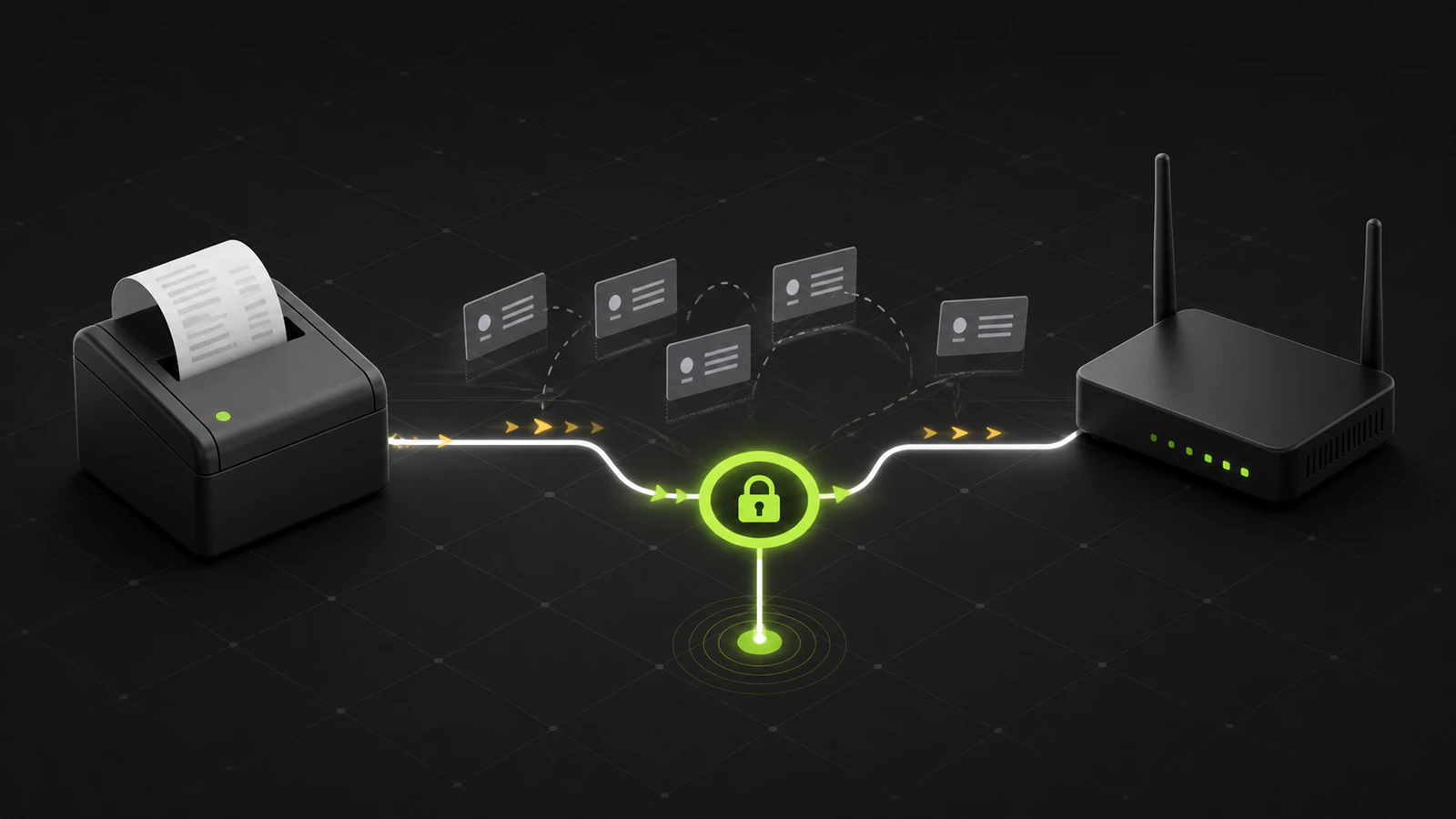
Separate printer-side slowdown from POS, queue, network, and template delays with a safe self-test and timing comparison.
Trace a changing receipt-printer IP through DHCP, the router, and saved POS targets, then stabilize the address without creating a conflict.
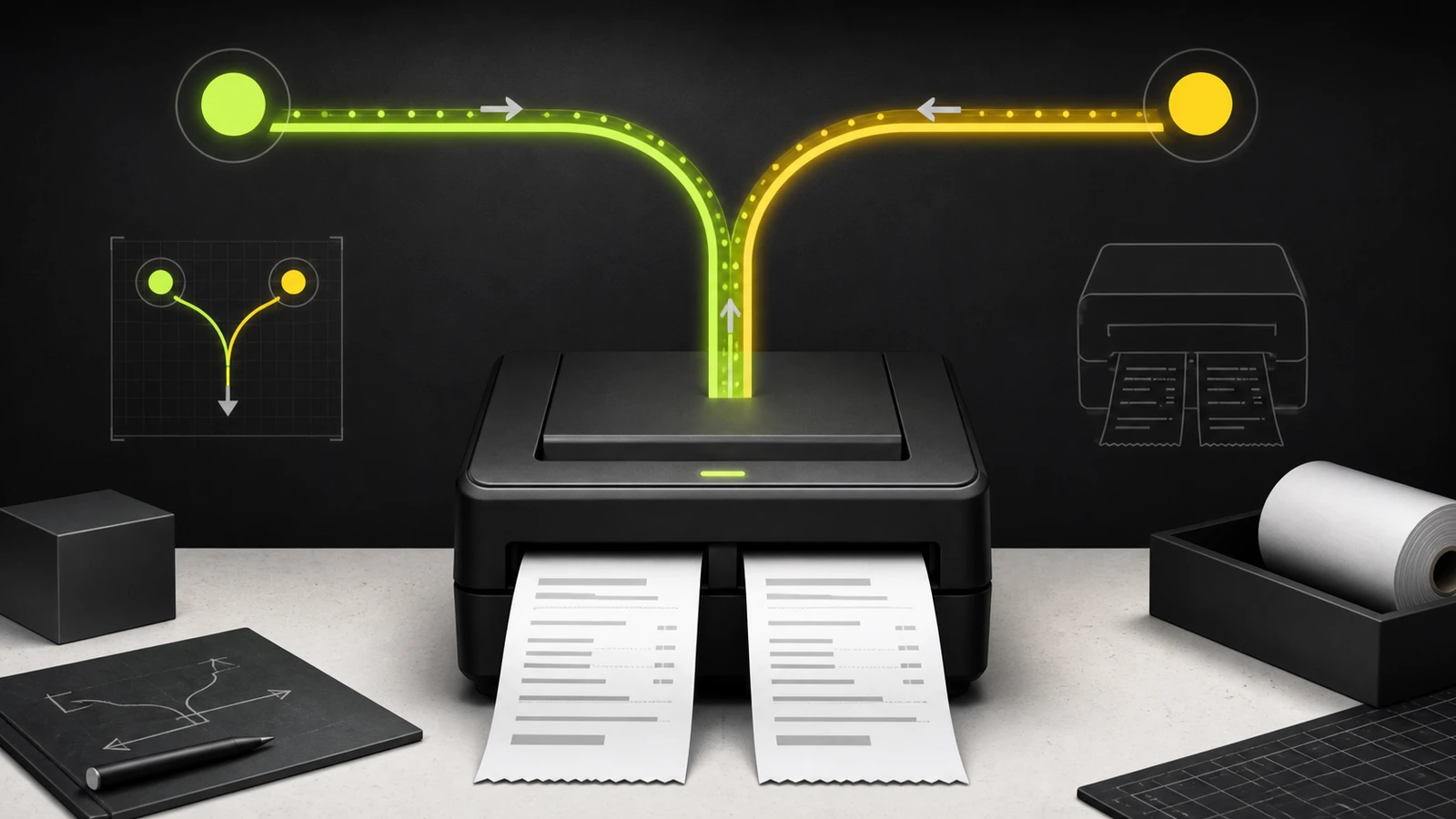
Trace duplicate receipts through copy counts, printer registrations, profiles, and POS senders before resetting or replacing working hardware.
Evaluation system
Guides consider deployment effort, total cost, compatibility, reliability, and the practical limits a business needs to know before buying.
Required systems, drivers, accessories, and integrations.
The time and technical work needed to deploy it.
Daily operation, reconnect behavior, failure, and recovery.
Purchase cost, subscriptions, supplies, and switching risk.
Latest
Troubleshooting
Separate printer-side slowdown from POS, queue, network, and template delays with a safe self-test and timing comparison.
Troubleshooting
Trace a changing receipt-printer IP through DHCP, the router, and saved POS targets, then stabilize the address without creating a conflict.
Troubleshooting
Trace duplicate receipts through copy counts, printer registrations, profiles, and POS senders before resetting or replacing working hardware.
Troubleshooting
Trace a too-small shipping label through its PDF, app format, printer queue, and scale settings before resetting or recalibrating hardware.
Troubleshooting
Match unexpected drawer openings to payment, print, startup, and idle events before changing POS, driver, cable, or latch settings.
Troubleshooting
Compare a standalone self-test with a POS receipt to isolate thermal paper, print-engine, driver, and receipt-layout faults safely.
Free checklist
A practical checklist for selecting POS hardware, scanners, printers, networking equipment, and backup power.
No spam. New guides, corrections, and practical buying notes only.